1. Log into portal
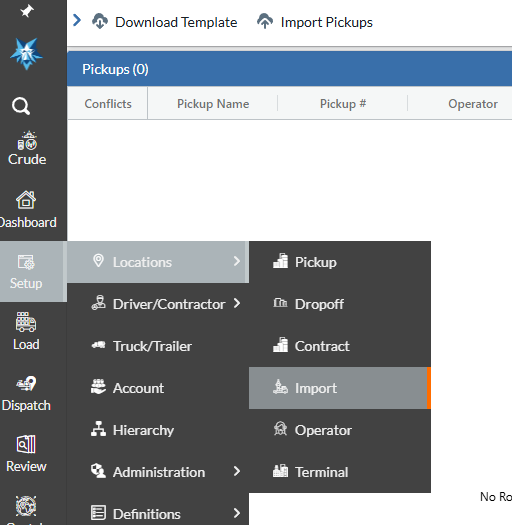
2. Navigate to Setup > Locations > Import
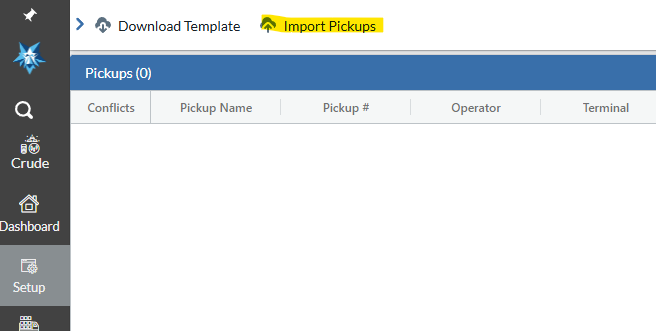
3. Hit "Import Pickups" at the top
4. Select the PU account and district
5. Click "Choose your file" to upload your file
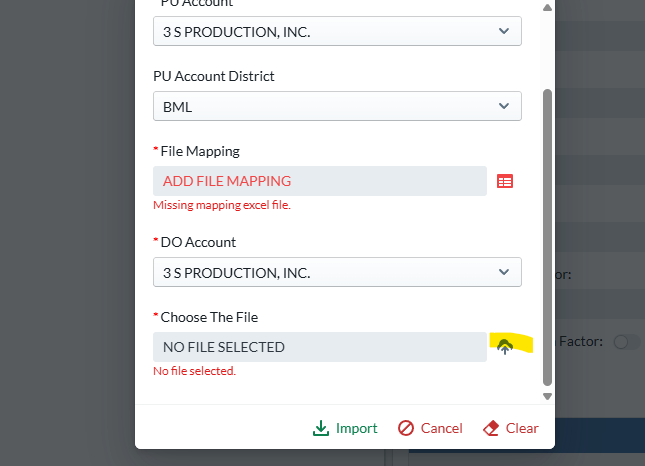
6. Click Import to import the file
**This assumes that you already have an import file and that file mapping is set up
Was this article helpful?
That’s Great!
Thank you for your feedback
Sorry! We couldn't be helpful
Thank you for your feedback
Feedback sent
We appreciate your effort and will try to fix the article