Creating a daily, recurring automated report is beneficial for showing historical and current data.
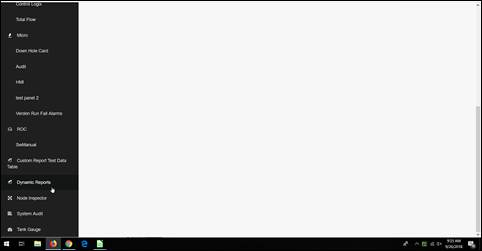
- Click in the dynamic report widget on the main dashboard.
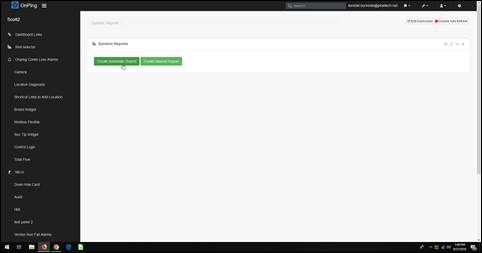
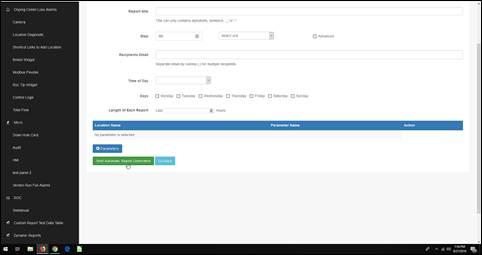
- Click “Create Automatic Report.”
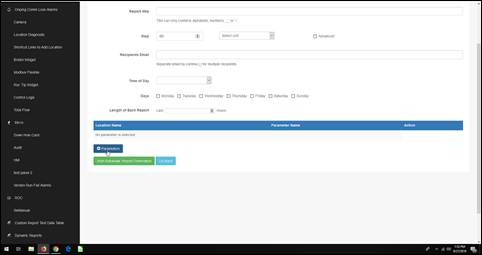
- Fill in the report title, start and end dates, the steps and associated unit, all recipient email addresses, the time of day the report needs to be generated, the recurring days the report needs to go out, and the length of each report. Then click “Add Parameters.”
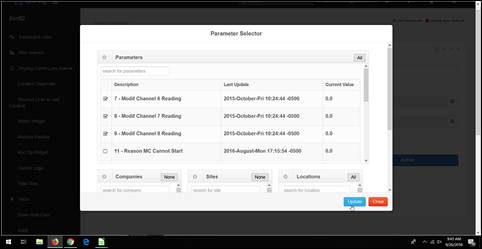
- Choose the company, site, and location. Click on all parameters you want to view on the report, then click update.
- Click “Start Automatic Report Generation” to create the recurring report.
Was this article helpful?
That’s Great!
Thank you for your feedback
Sorry! We couldn't be helpful
Thank you for your feedback
Feedback sent
We appreciate your effort and will try to fix the article