Creating a spot report is beneficial for viewing the most current data.
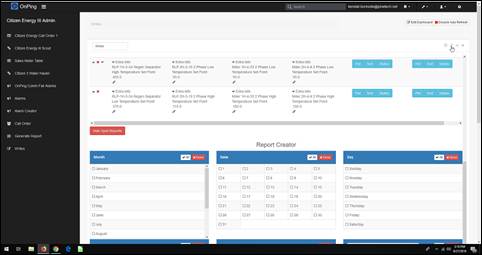
- Create a custom table on your dashboard with the location name and all relevant parameters.
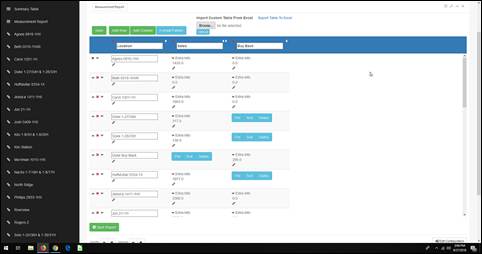
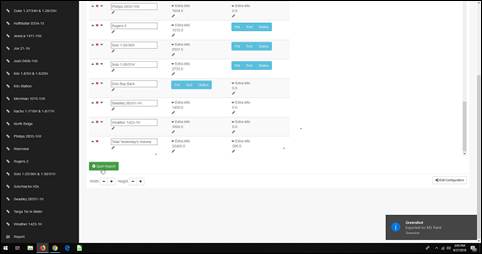
- Click ” Spot Report” at the bottom of the custom table.
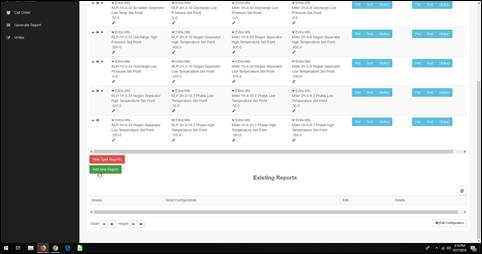
- Click “Add New Report.”
- Fill out the month, date, day, time, time zone, and the emails the report will send out to. Title the report and add any other recipients needed. Then click “Create Endpoint Report.”
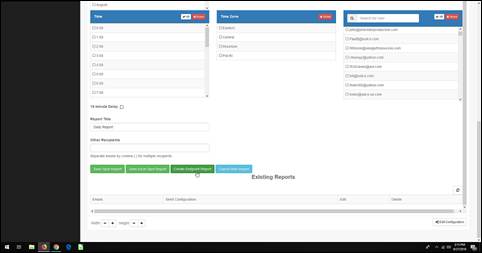
- Click the wrench to save the report with the custom table.
Was this article helpful?
That’s Great!
Thank you for your feedback
Sorry! We couldn't be helpful
Thank you for your feedback
Feedback sent
We appreciate your effort and will try to fix the article