If a location is showing parameters that are not needed, you can delete them from the system. An example of this would be a dashboard displaying parameters for an injection meter that is no longer on location.
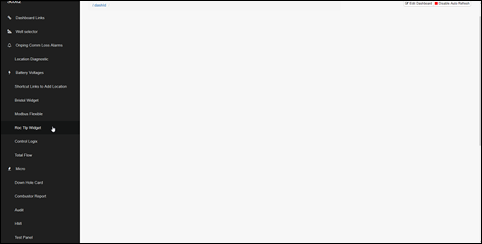
- Click on the widget name that corresponds with the location device found on the main screen.
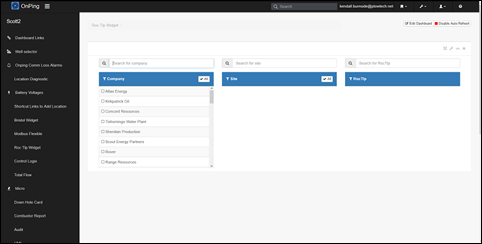
- Search for the company, site, and location to bring up all parameters assigned to the well.
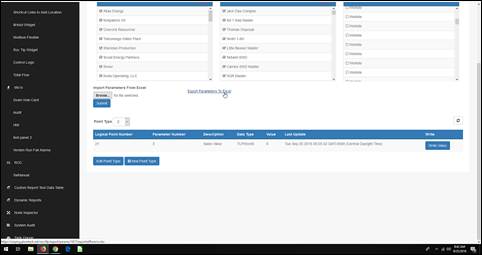
- Export the parameters to Excel and save the document. The original PIDs will be needed for future reference to recover historical data.
- Click on the point type associated with the parameters you want to delete.
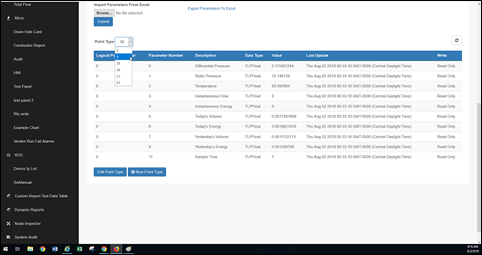
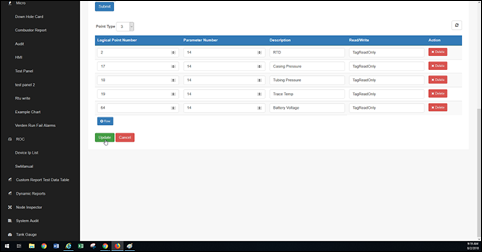
- Click “Edit Point Type” and delete the parameters you want to remove, then click “Update” at the bottom. Repeat steps 4 and 5 until all unwanted parameters are removed.
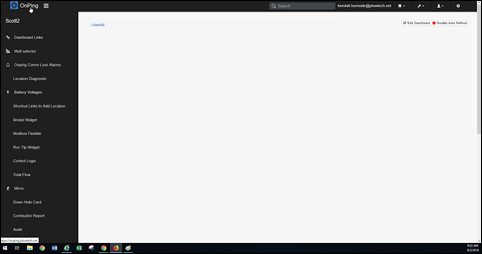
- Click “OnPing” in the top left corner to refresh the page. Check the well’s HMI and overview to remove the icons associated with the deleted parameters.
Was this article helpful?
That’s Great!
Thank you for your feedback
Sorry! We couldn't be helpful
Thank you for your feedback
Feedback sent
We appreciate your effort and will try to fix the article