If you have forgotten your password, you can reset it by following the steps below.
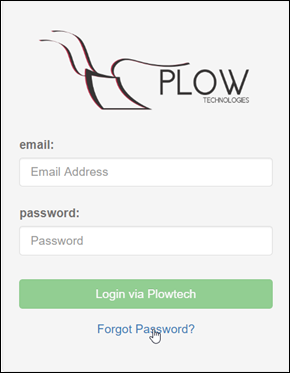
- Click on the "forgot password” link located under the username and password section of the login screen.
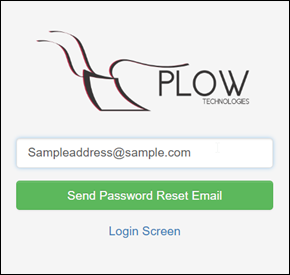
- You will be redirected to a reset password screen. Type in the email address associated with the account.
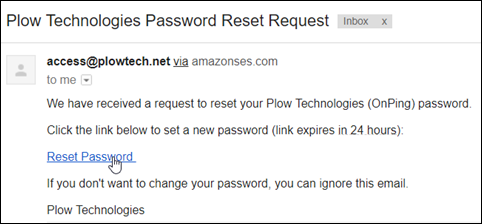
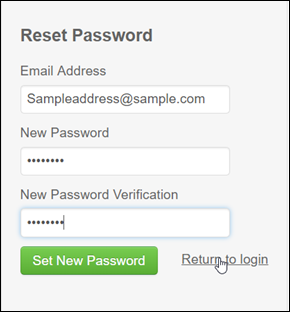
- Click on the reset password link that was sent to your email. You will be redirected to another screen that will ask for the email, new password, and new password verification.
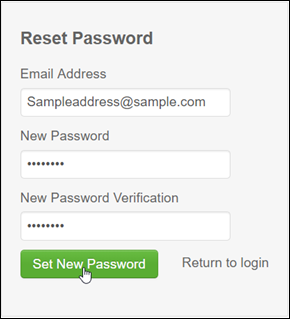
- Enter the existing email address and new password, then click Set New Password. A green box will appear confirming the password has been reset.
- You can then click on the " Return to Login " link to be redirected to the main screen.
Was this article helpful?
That’s Great!
Thank you for your feedback
Sorry! We couldn't be helpful
Thank you for your feedback
Feedback sent
We appreciate your effort and will try to fix the article