You may need to adjust your line graph to show more details. The following steps can help with getting better visual accuracy.
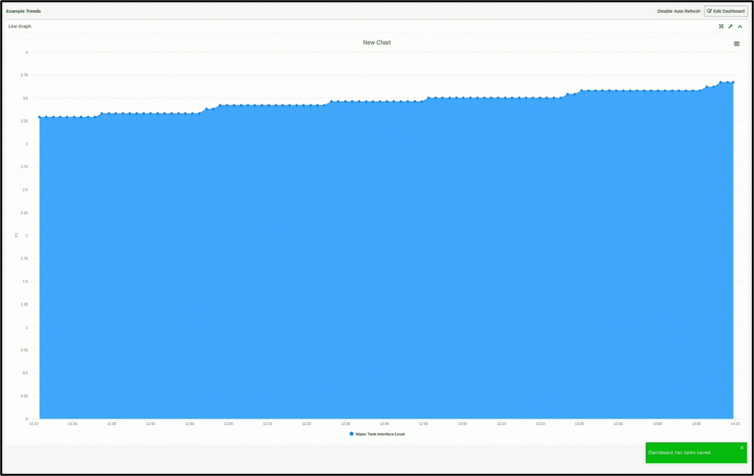
- While looking at the line graph, click the wrench icon in the upper right corner.
- Once you are in editing mode, click the Height plus (+) symbol in the bottom right-hand corner several times. 5-7 times should be enough but if you need more, you can always repeat these steps.
- After you have adjusted the height, click Save in the upper right corner. After it saves, the graph will reload with the new adjustments in place.
If you have any thoughts, ideas, or questions, please feel free to leave a comment below or use the contact feature at www.onping.net
Was this article helpful?
That’s Great!
Thank you for your feedback
Sorry! We couldn't be helpful
Thank you for your feedback
Feedback sent
We appreciate your effort and will try to fix the article